Filter & sort e-commerce data from Webflow

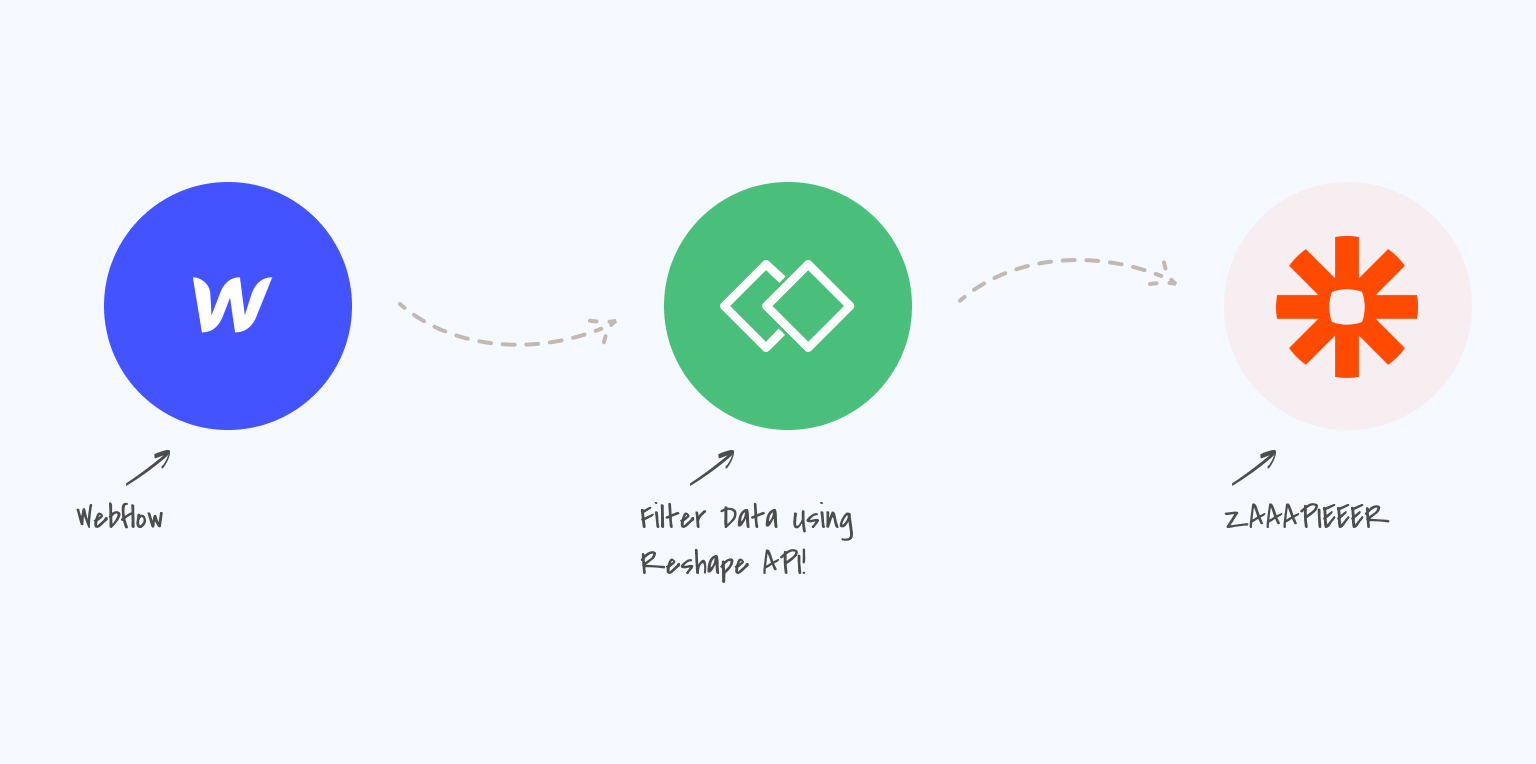
Having problems with e-commerce data from Webflow? We've been there. It is one the reasons why Reshape API exists. Let's learn how to fix them.
Filter & sort e-commerce data from Webflow

Challenge

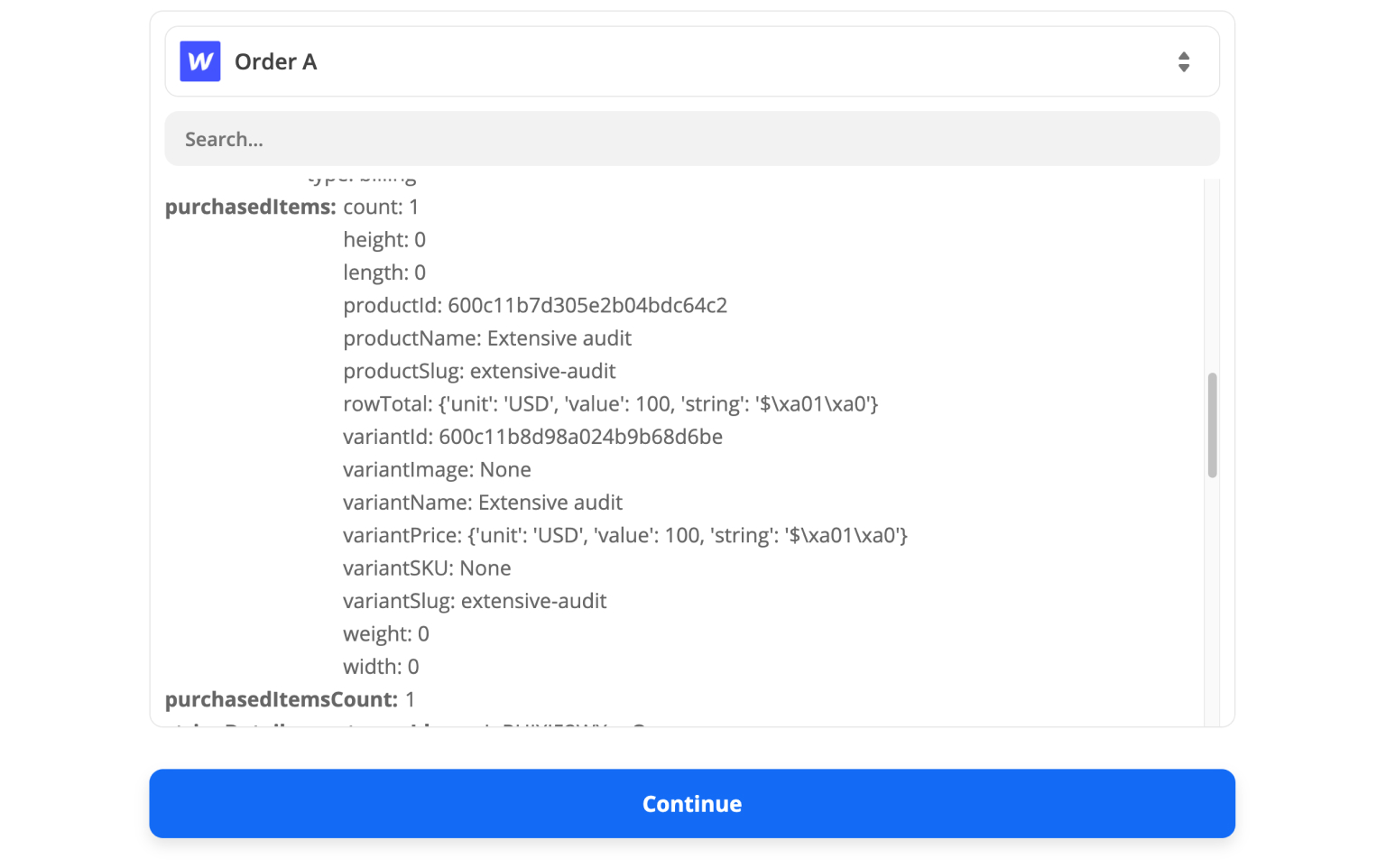
You build your beautiful website using Webflow. The design is sleek, and the animations are smooth. It’s time to connect other no-code tools with Webflow. For example, you might want to grab a specific order name. Or a special price, and this is what you get as a Zapier trigger:

What if you want to grab the order name and its price? Webflow gives you a purchasedItems array. However, you cannot select items one or two levels deep. Believe us, we tried! Luckily, Reshape API can help you out with that with just a few simple steps.

Filter & sort e-commerce data from Webflow

Solution

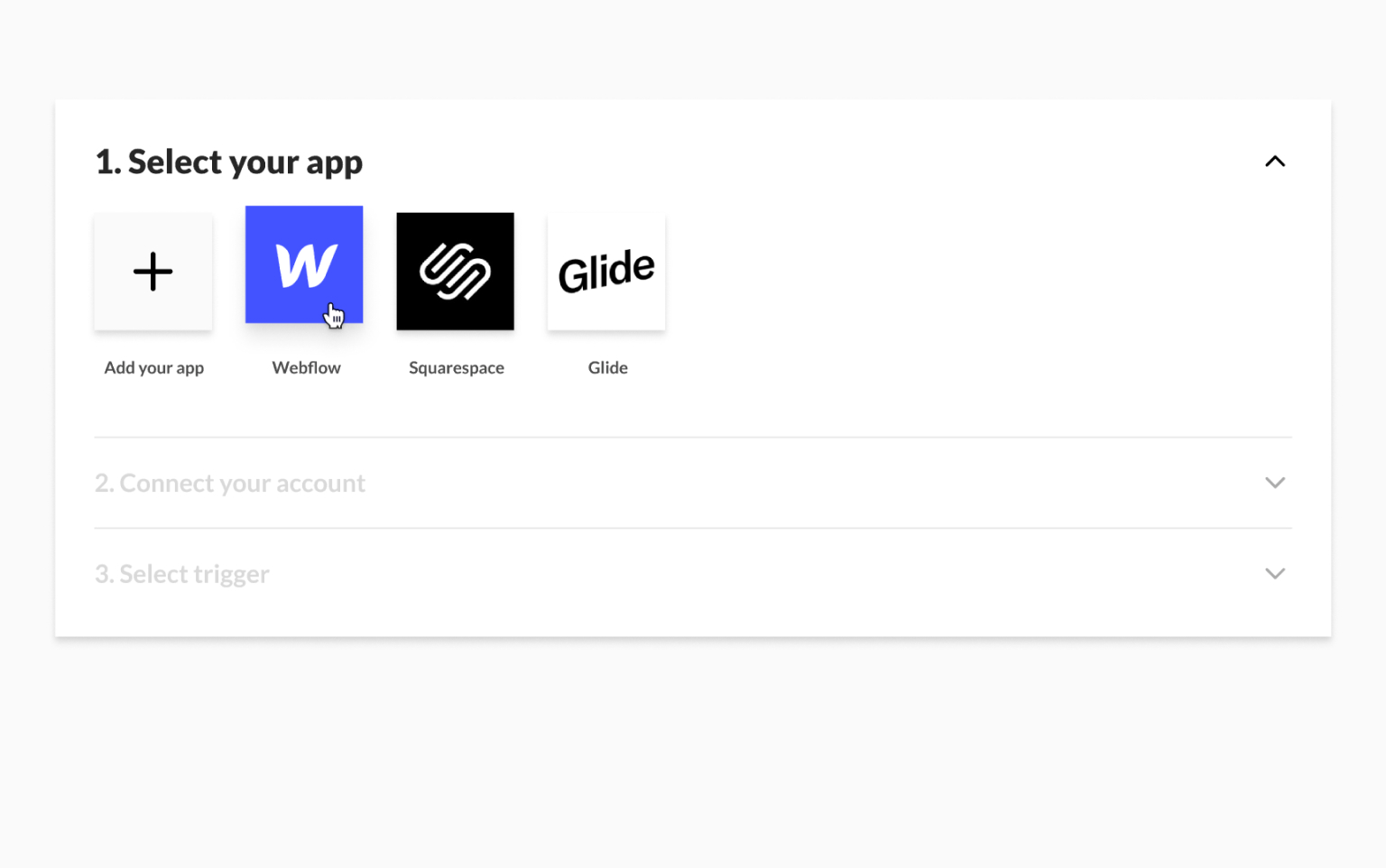
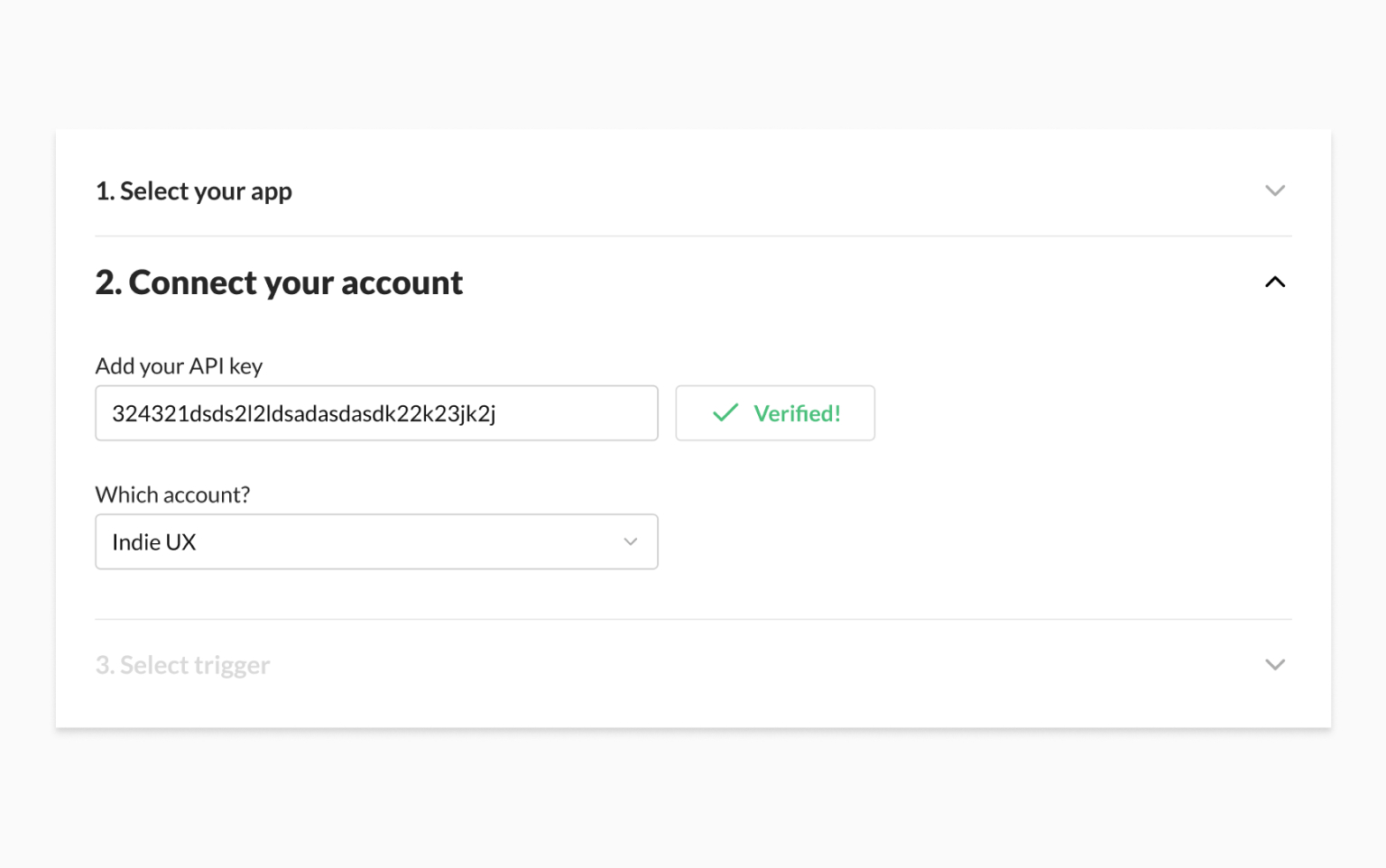
Add your Webflow API key, select your account and select a trigger, just like in Zapier

Filter & sort e-commerce data from Webflow

Make sure you verify your API Key so it hooks up to our system.

Filter & sort e-commerce data from Webflow

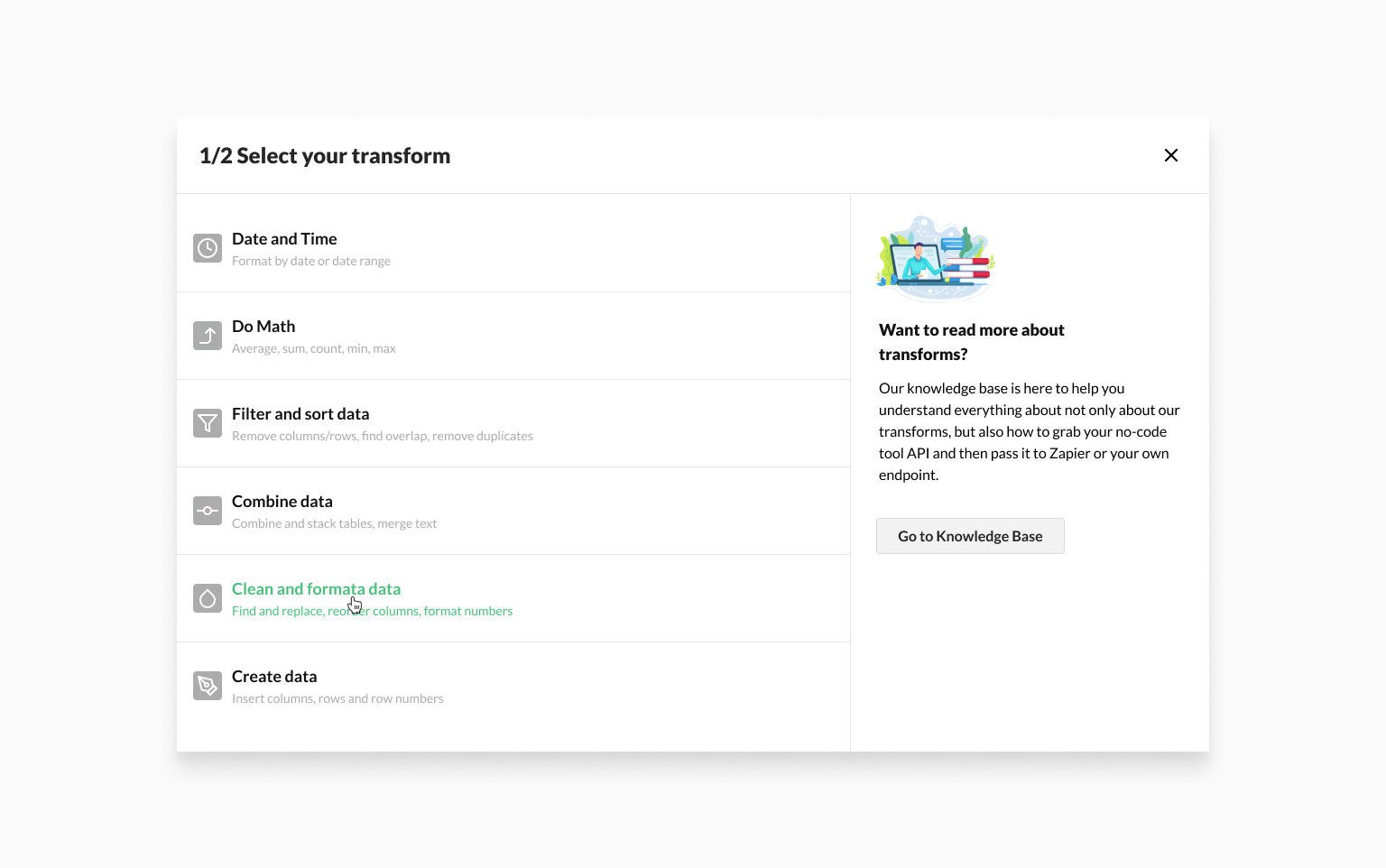
Now comes the fun part. Open up the transform selection window and select the one that will solve this problem. In this instance, choose Clean & Format Data.

Filter & sort e-commerce data from Webflow

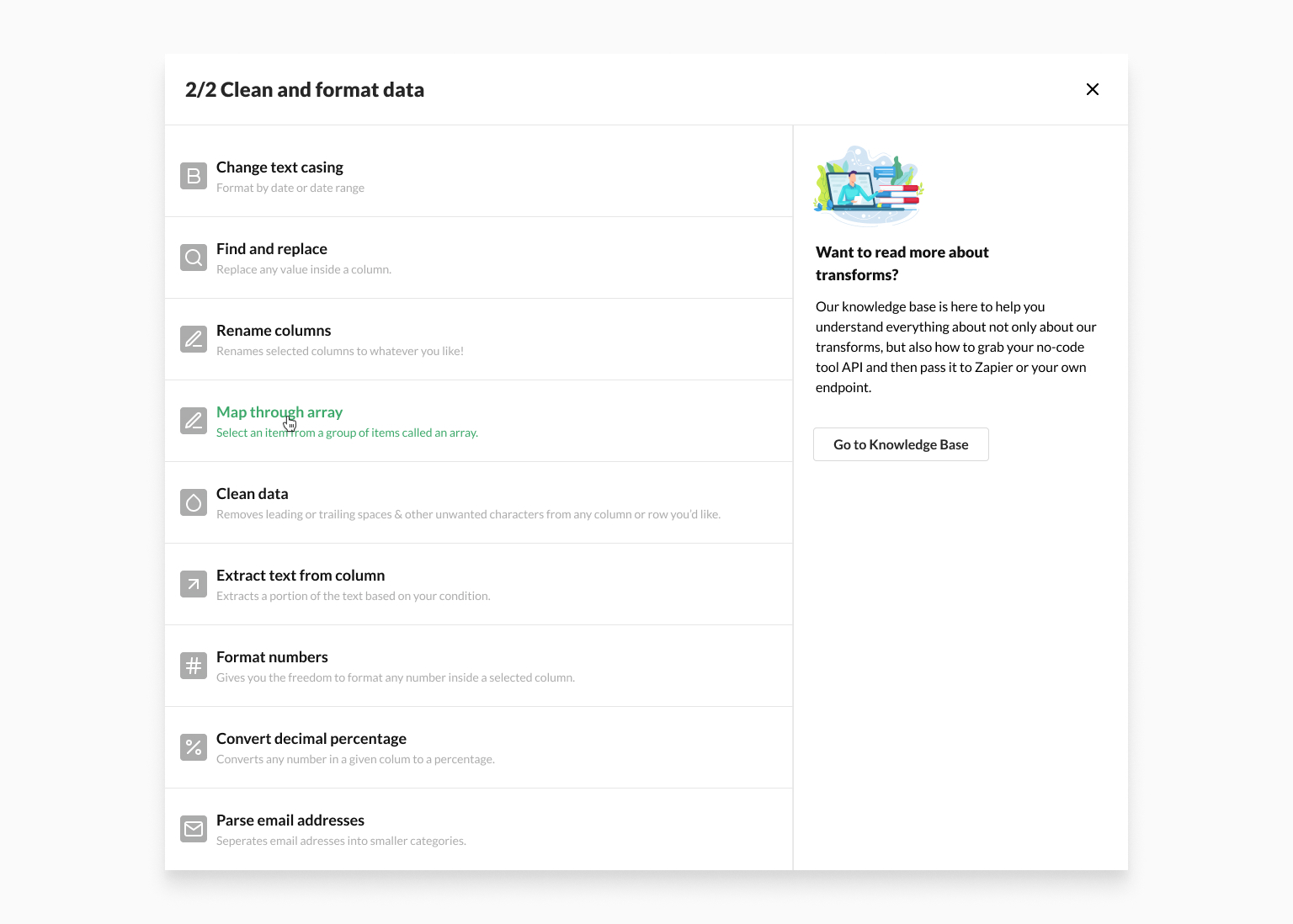
Then choose Map through array. This will let you single out an item from an array.

Filter & sort e-commerce data from Webflow

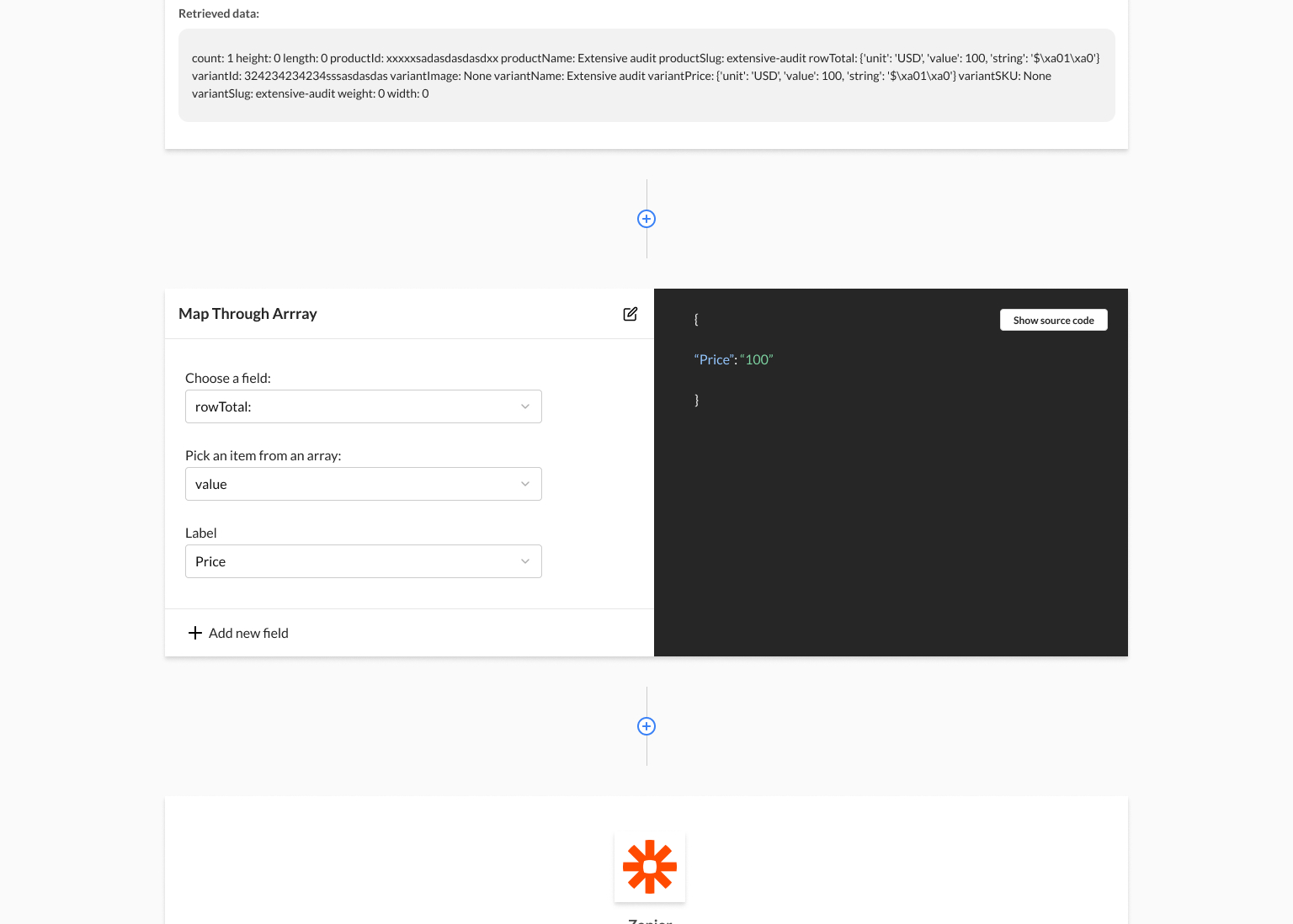
Now that we have selected our transform. We would like to direct your attention to the builder. It is divided into two parts: the editor part on the left and the live example part on the right. You don't need to know any code to use the editor. Just select the column you want to edit and choose the specific item you wish to transform. 

Filter & sort e-commerce data from Webflow

In our case, we selected rowTotal and Value. Give the new value a name, and that's it! Simple as that.

Now all you have to do is connect this automation to Zapier, and your data will be modified and passed along automatically.


Sign up for early access

By signing up, you will receive first row seat to all premium features when we launch. We also share behind the scenes content every 2 weeks. No spam.
⭐ ️-109/200 spots left